Plug & Play POS
The till that does not stop when the internet does.
A point-of-sale system for shops, cafés and restaurants. It bills, prints, tracks stock and fires kitchen tickets — and it keeps doing all of it through a dead connection, because a queue at the counter does not care why the Wi-Fi is down.
Opens the owner's portal in your browser.
Why it is different
Offline is the feature, not the fallback
Most tills treat a dropped connection as an error state. This one treats the network as optional, which changes what happens on the worst day of your week.
The catalogue lives on the device
Product search and category filtering run against a copy on the device, not a request to a server. So they are instant — and identical whether you are online or not. There is no per-keystroke network call to fail.
A sale made offline is a real sale
It is written to the device, printed, and handed over. When the connection returns it is sent up on its own, carrying an identifier that makes a retry harmless — so it lands exactly once, however many times the network drops mid-upload.
And it tells you the truth about it
The billing screen says whether it is online, whether a shift is open and whether a printer is connected, and how many sales are still waiting to sync. Nothing important is a guess.
Built for every growing business
One product that behaves like four
You tell it what kind of business you run, and it composes itself around that — which screens exist, whether there are tables, whether the kitchen gets tickets. Not a pile of switches to work out.
Retail
Shops, pharmacies, hardware, groceries
One sale at a time, straight through: scan, take payment, print. Stock is tracked by default, because for a shop that is the whole point.
Quick service
Takeaways, counters, food trucks
Several orders open at once so you can keep taking them while one is being made. No tables, no kitchen tickets, nothing in the way.
Café
Coffee shops, bakeries, juice bars
Open tabs for people who order again before they leave, and kitchen tickets switched on only if there is a kitchen to send them to.
Full-service dining
Restaurants, bars, anywhere with covers
A floor plan, an order per table, and tickets fired to the kitchen in rounds. Settle at the end of the meal, not at the start.
Change your mind later and the app rearranges itself. Nothing has to be rebuilt.
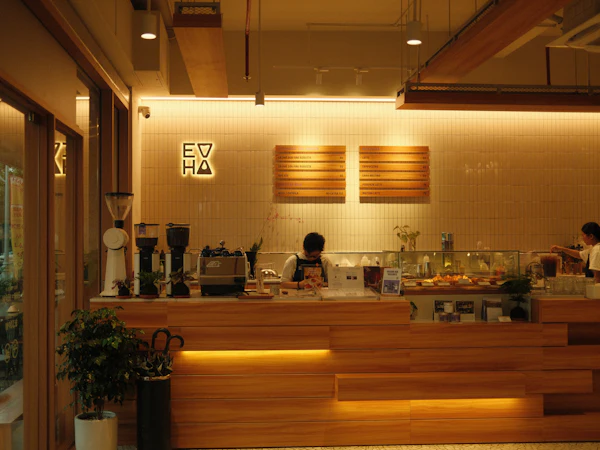
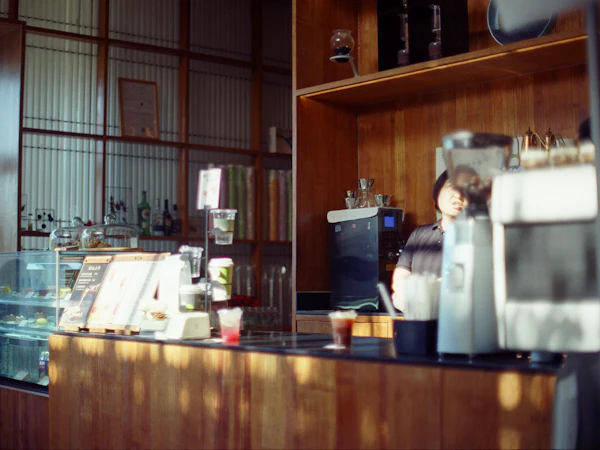
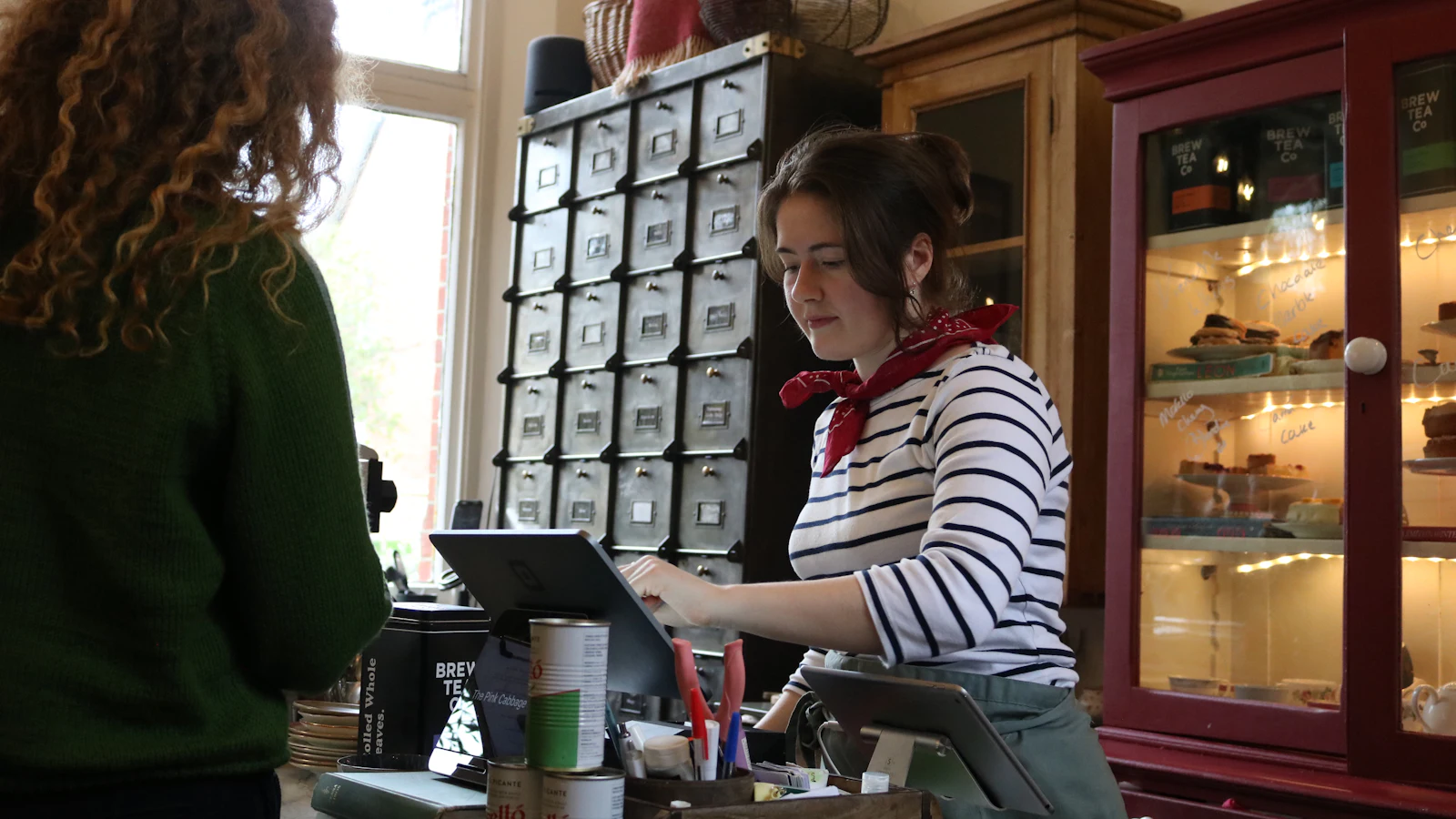
The kinds of place this is built for. Photographs of real shops, not screenshots of the app.
What it does
Everything a counter needs, and nothing it does not
This list is the whole product. If something is not here, we have not built it — we would rather be short than misleading.
Keeps selling when the internet drops
The till reads its catalogue from the device, not the network, so search and checkout are instant either way. A sale rung up offline is stored on the device and sent when the connection returns — once, never twice.
Barcode scanning
Scan with the camera the device already has. Works in billing and when you are adding a product, so a new item gets its barcode the first time it is entered.
Hold a sale, or run a tab
Park an order and come back to it. A held sale, an open tab and a table order are the same thing underneath, so nothing is lost if the app restarts mid-service.
Kitchen tickets
Fire an order to a kitchen or bar printer. Only the items added since the last ticket are sent, so the kitchen never cooks the same dish twice.
Tables and a floor plan
Lay out your sections and tables, then tap a table to open its order. A table's status comes from the order on it, so it can never disagree.
Stock that adds up
Stock moves when you sell, and every adjustment is recorded with a reason and a person against it. Items you do not want counted — a coffee, a service — simply are not.
Discounts, on a line or a whole sale
Take a percentage or an amount off one item or the bill, with the tax recalculated correctly rather than approximately.
GST done properly
Tax is set per product. Receipts and checkout show the CGST and SGST split, and every figure is computed in whole paise — so a long bill never drifts a rupee from what you charged.
Thermal receipts
Print to Bluetooth, network or USB ESC/POS printers, with a separate kitchen station if you need one. Reprint any past receipt from the order.
Staff and shifts
Add staff by phone number; they sign in with a code. Shifts record their own duration, opening float and closing cash, and each cashier sees their own takings — not the whole shop.
Reports you will actually open
Revenue over time, payment-method split, top products and per-staff sales. Only settled sales count, so an abandoned tab never inflates a number.
It looks like your shop
Set your logo and three colours and the whole app follows — including your receipts. Contrast is checked as you pick, so a colour can't make your own buttons unreadable.
How it works
Three steps, one afternoon
01
Set up your shop
Sign up, add your products — one at a time or a CSV of them — and pick the kind of business you run. That last choice is what decides whether you get tables and kitchen tickets or a plain fast counter.
02
Put the till on the counter
Install the POS on the Android tablet or phone you already have, or open it in a browser. Add your staff; they sign in with a code sent to their phone. Pair a receipt printer if you use one.
03
Sell, and watch from anywhere
Staff ring up sales at the counter. You see the day as it happens from the admin app on your phone, tablet or laptop — including when the shop’s internet is having a bad day.
Pricing
One plan. The real price.
No tiers to decode and no per-transaction cut — we do not touch your money, so we do not take a slice of it. Cancel whenever you like.
Starter
monthly₹499/month
₹588.82 billed monthly, including 18% GST
Starter
yearly₹4,999/year
₹5,898.82 billed yearly, including 18% GST
Roughly two months free against paying monthly
Both plans include
- One shop
- Up to 5 active staff
- Unlimited products and sales
- The till, on as many devices as you like
- Admin on Android, iOS and the web
- Offline billing and automatic sync
- Kitchen tickets, tables and floor plan
- Stock, staff, shifts and reports
- Your own logo and colours
Paid by UPI Autopay or card through Razorpay's own checkout — we never see your card or bank details. Both plans sit under the ₹15,000 mandate ceiling, so a recurring UPI debit clears without you having to approve each one.
Questions
The ones worth asking
What happens when the internet goes down mid-sale?
Nothing you have to think about. The till already holds its catalogue on the device, so searching and ringing up carry on exactly as before. Sales made offline are stored locally and sent when the connection comes back, each carrying its own identifier so a retry cannot record it twice. The screen tells you plainly that you are offline and how many sales are waiting.
What do I need to buy?
Nothing, to start. The till runs on an Android phone or tablet you already have, or in a browser. A thermal receipt printer and a barcode scanner are optional — the camera scans barcodes perfectly well.
Is there a free trial?
No. Billing starts on day one, which is why the price is what it is rather than a number designed to look small next to a trial. You can cancel a subscription whenever you like.
Can I run more than one shop?
Not on one account. A second shop is a second account today — we would rather say that than describe multi-outlet management we have not built.
Does it handle customer loyalty, purchase orders or expenses?
No, none of the three. They are the obvious next things to ask for and we have deliberately not half-built them.
How do staff sign in, and what can they see?
You add a staff member by name and phone number; they sign in with a code texted to that number. A cashier sees their own sales and their own shift, never the shop’s totals — and that is enforced on our server from their sign-in, not by hiding a screen in the app.
Where is my data kept, and can I get it out?
In a managed PostgreSQL database in Singapore, with a working copy on each device so the till can run offline. You can export your orders to CSV from the admin portal at any time. Our privacy policy sets out the rest, including how to have it all deleted.
How do I start using it?
Sign up in the owner's portal in a browser, add your products, and open the till on the device at your counter. Nothing on this page describes a feature that is not already working.
Set your shop up in an afternoon
Add your products, pick the kind of business you run, and put the till on the counter. No configuration project, no consultant, and nothing to buy before you start.